Showing Posts From
Tools

Mysql Quick Export Command
Command Template {mysqldump_bin} --opt --hex-blob --skip-lock-tables --single-transaction --routines --events --skip-triggers --default-character-set='{db_charset}' --force --host='{db_host}' --port={db_port} --user='{db_user}' --password='{db_password}' '{db_name}'Parameter Explanation{mysqldump_bin} # mysqldump executable path (e.g., /usr/bin/mysqldump) --opt # Enables a series of optimization options (--add-drop-table, --add-locks, --create-options, --quick, etc.) --hex-blob # Exports binary fields (BLOB) in hexadecimal to prevent garbled text --skip-lock-tables # Skip table locking (avoid blocking other queries) --single-transaction # Export using single transaction (lock-free for InnoDB with good consistency) --routines # Export stored procedures and functions --events # Export event scheduler (EVENT) --skip-triggers # Skip trigger export --default-character-set='{db_charset}' # Specify character set, e.g., utf8mb4 --force # Continue execution even if errors occur --host='{db_host}' # Database host --port={db_port} # Database port --user='{db_user}' # Username --password='{db_password}' # Password '{db_name}' # Database name to exportUsage Example Export a database named mydb, MySQL running on localhost port 3306, character set utf8mb4, user root with password 123456: mysqldump --opt --hex-blob --skip-lock-tables --single-transaction --routines --events --skip-triggers \ --default-character-set='utf8mb4' --force \ --host='127.0.0.1' --port=3306 --user='root' --password='123456' 'mydb' > mydb.sql
Siri Schedule
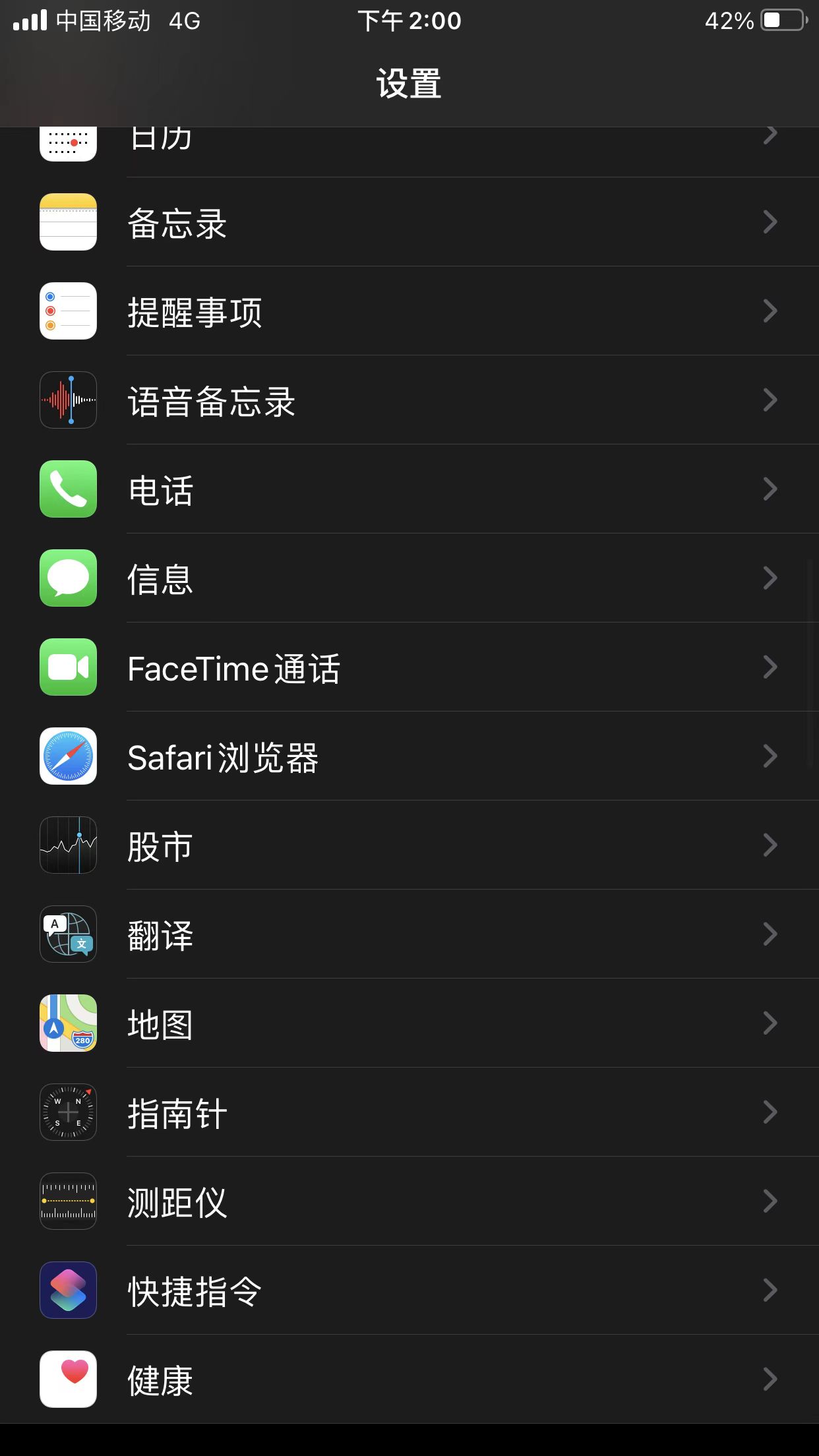
Common Issues Allow untrusted shortcuts needs to be enabledShortcut DownloadsWhat classes today What classes tomorrow What classes day after tomorrow What's the next class Where is the next class Morning classes Afternoon classes Evening classes